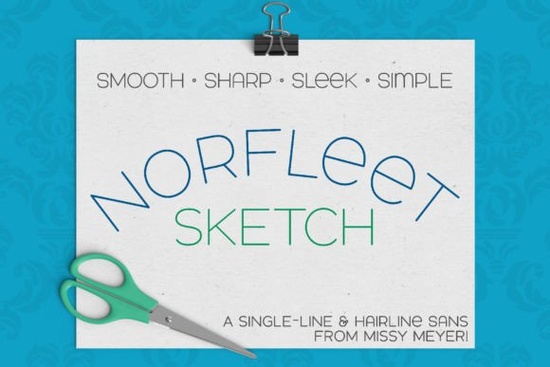
If you're into hand-lettered effects without actually drawing each letter by hand, the Norfleet Sketch (Single Line) Font is worth a closer look. Designed from scratch as a true single-line typeface, it delivers clean, modern sans-serif letterforms that work beautifully with sketch pens, engraving tools, foil quills, and other single-stroke output devices. Whether you’re personalizing mugs, creating engraved jewelry, or designing subtle line-art quotes for print-on-demand products, this font gives you crisp, consistent results with minimal fuss.
What makes Norfleet Sketch different from regular fonts?
Unlike standard outline fonts which are filled shapes meant for printing or cutting single-line fonts like Norfleet Sketch are built as continuous strokes. Think of them more like digital handwriting: one unbroken line traces each character. This makes them ideal for tools that “draw” rather than cut or fill, such as Cricut’s Foil Quill, Glowforge scoring, or any CNC machine using a stylus.
Norfleet Sketch comes in two versions to suit different software needs:
- Norfleet Sketch One: A true single-stroke font, perfect if you're using vector programs like Adobe Illustrator or Inkscape and know how to manage open paths.
- Norfleet Sketch Two: A hairline font technically an ultra-thin outline that works out of the box in most design and crafting apps like Silhouette Studio, Cricut Design Space, and Affinity Designer.
Both capture the same elegant, wide-set sans-serif style, with subtle quirks like a rounded capital A and a lowercase-style e that add personality without clutter.
Which version should you use?
If you’re new to single-line fonts or mostly work in beginner-friendly platforms like Cricut Design Space, go with Norfleet Sketch Two. It behaves like a normal font you just type and send it to your tool. No path editing required.
But if you’re comfortable manipulating vector paths and want maximum control (especially for CNC or laser engraving workflows), Norfleet Sketch One gives you a pure single stroke. Just remember: some programs automatically close open paths, so you may need to manually disconnect the start and end points to avoid unwanted lines.
The download includes a helpful PDF guide that walks you through choosing the right version and troubleshooting common issues definitely worth a read before you start your project.
Great pairings and design uses
Norfleet Sketch stands strong on its own, but it also plays well with others. Its minimalist structure complements bolder display fonts or classic serifs. For example, try pairing it with something like Bouldy for contrast between weight and delicacy, or keep things airy with Minimalist for a cohesive modern look. If you’re going for adventure-themed merch, Adventure adds rugged energy next to Norfleet’s refined lines. And for French-inspired branding or café-style designs, Bourgueil offers a stylish counterpoint.
Because of its clean curves and low node count, Norfleet Sketch scales well and remains legible even at small sizes ideal for delicate engravings on jewelry, tech accessories, or wedding stationery.
Note: These fonts won’t work for standard printing, word processing, or vinyl cutting since they lack filled outlines. They’re strictly for drawing-style output. Also, due to compatibility limitations, they may not function properly in Brother Canvas Workspace.
For more details on how single-line fonts work across different machines and software, you can explore the full product listing for Norfleet Sketch on Creative Fabrica.
Before you download: quick checklist
- ✅ Confirm your software supports single-line or hairline fonts (check the included guide).
- ✅ Decide whether you need the true single-stroke version (One) or the plug-and-play hairline version (Two).
- ✅ Test with a short phrase first especially if using engraving or scoring tools to ensure stroke consistency.
- ✅ Pair thoughtfully: Norfleet Sketch shines alongside structured or bold companions, not overly decorative ones.
If you're ready to add subtle, hand-drawn elegance to your next craft or design project without picking up a pen Norfleet Sketch offers simplicity, versatility, and professional polish in one smart package.
Learn More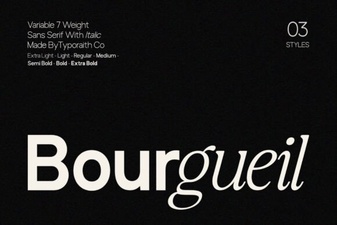 Bourgueil Font: Creative Design Inspiration
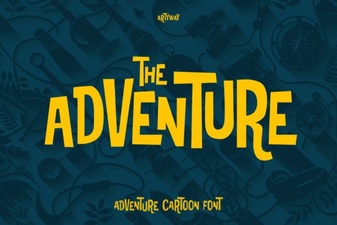 Choosing the Right Adventure Font for Your Project
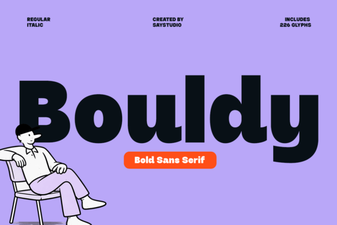 Bouldy Font: a Rock-Solid Typeface for Creative Projects
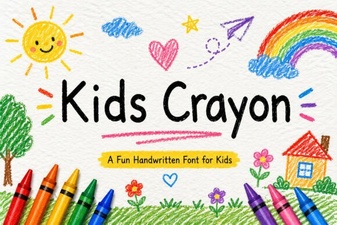 Colorful Fonts for Kids' Projects & Creative Designs
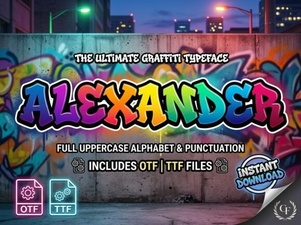 Alexander Font for Creative Design Projects
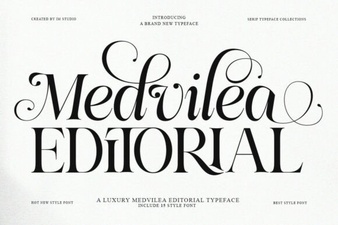 Medvilea Editorial: Creative Font Design Guide